1. User Registration
Register with Toothsay as a user.
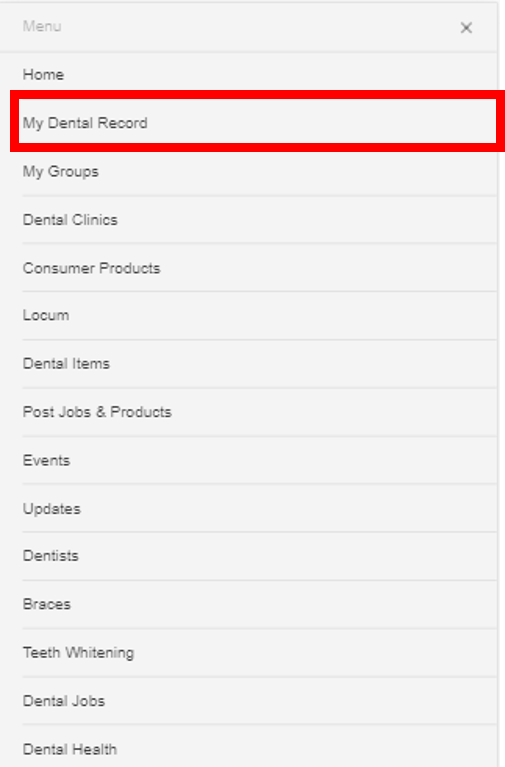
2. Navigate to Dental Record
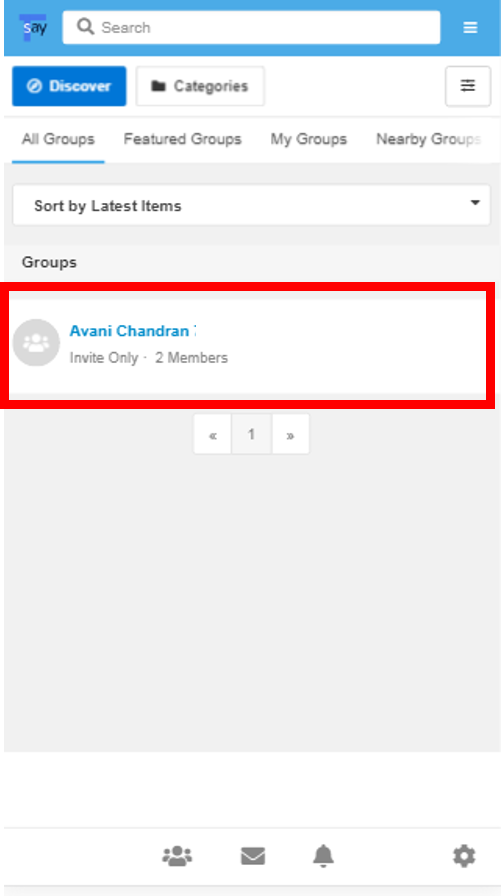
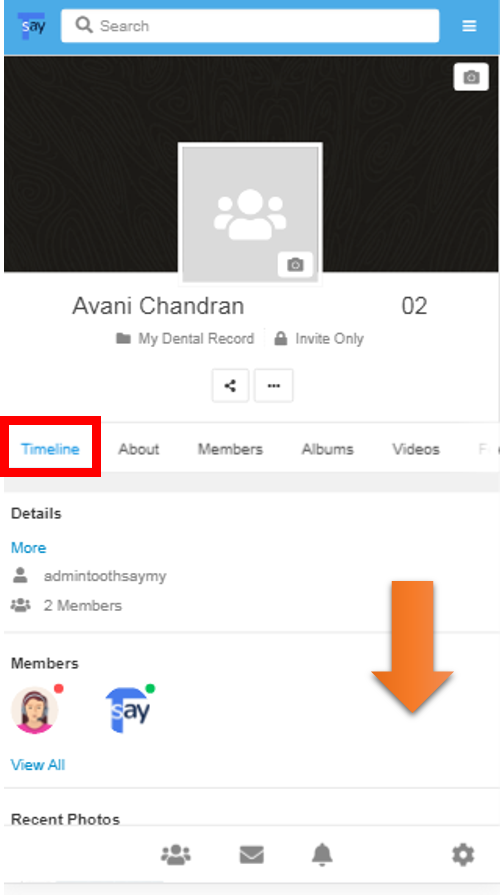
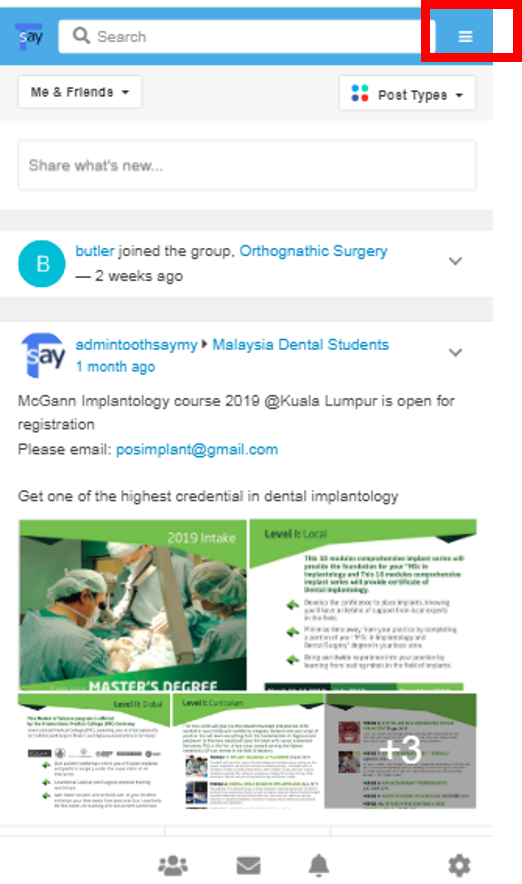
Browse to "My Dental Record", click on the Group with your Name.
3. Fill in Details and Upload Picture/ Videos
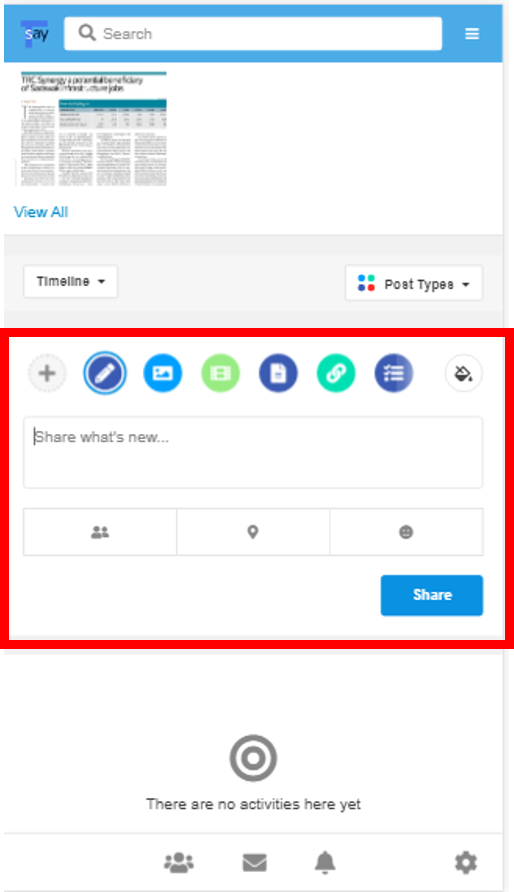
Verify the Group is under your Name. Under "Timeline", browse below and enter details of your Oral/Dental issues. Attach pictures or videos for better illustration to Dentist.